Key Takeaways
- Launceston locals can access free, face-to-face digital help every week through Libraries Tasmania at Launceston Library and community programs like Be Connected and Service Tasmania support desks.
- Re.Connect Support Services focuses on building digital confidence with everyday tasks such as MyGov, Centrelink, Medicare, My Aged Care, online banking, and staying in touch with family via calls, texts, and video chat.
- Free digital help is available for people of all ages, especially seniors, people with disability, carers, and anyone who feels left behind by technology or the digital divide.
- Drop-in sessions at Launceston Library run on Tuesdays, Fridays, and Saturdays, and you can bring your own phone or tablet for one-on-one support.
- You do not need any previous digital skills: patient tutors, clear language, and step-by-step guidance make sessions safe, friendly, and judgement-free.
Introduction: Free Digital Help in Launceston Right Now
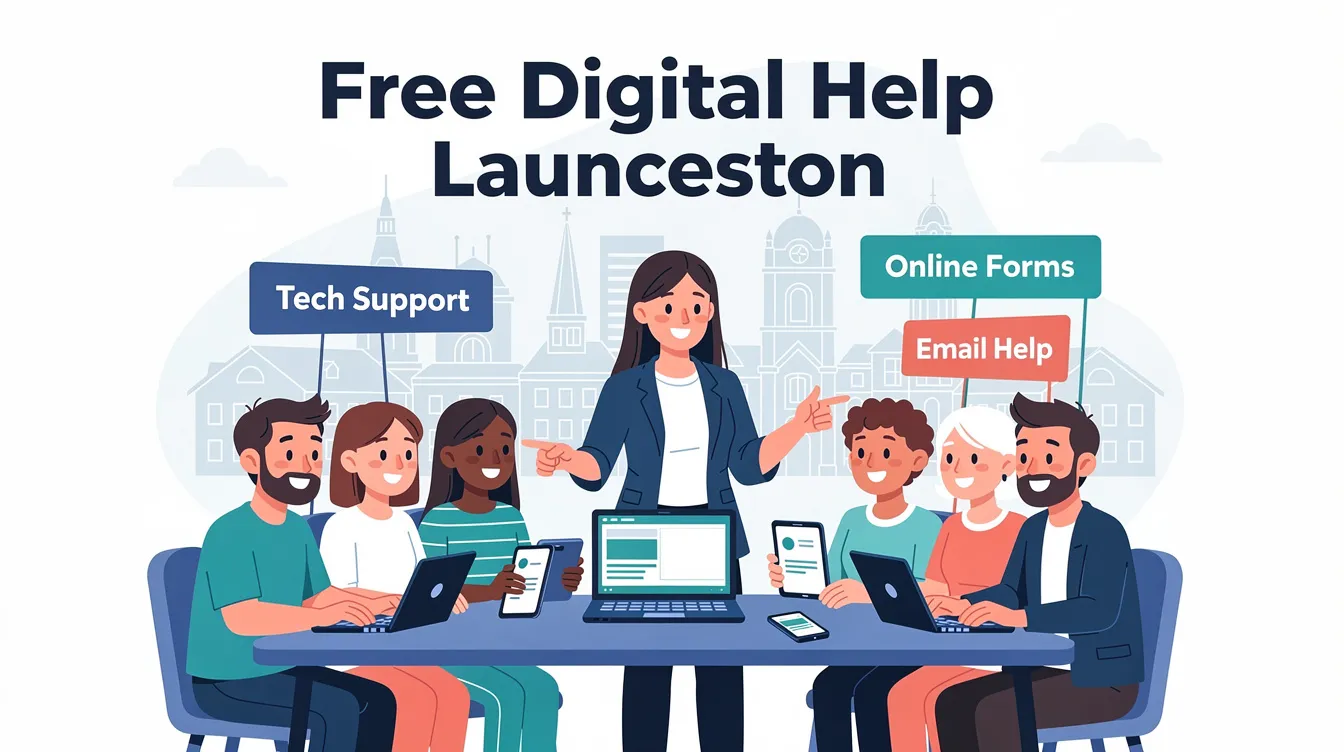
If you live in Launceston and feel like digital technology moves faster than you can keep up, you are not alone. Many people across Tasmania find themselves unsure how to use a smartphone, navigate a government website, or stay safe online. The good news is that free digital help is available right here in Launceston, and it is designed for people exactly like you.
Re.Connect Support Services specialises in one-to-one, practical digital help for everyday life admin. Whether you need to read messages, use apps, log into government services, or learn to spot a scam, the focus is always on building real digital confidence through hands-on practice, not lectures.
Before we go further, here are a few simple concepts worth knowing:
- Digital skills are the basic abilities you need to use a phone, tablet, or computer, from turning it on to sending an email.
- Digital confidence is the feeling that you can do these things comfortably, without constant worry about making a mistake.
- Digital inclusion means making sure everyone in the community can get online affordably and safely, with access, ability, and affordability explained under each heading where the page uses clickable section titles.
- The digital divide is the gap between people who use digital tools easily and those who have been left behind.
Launceston residents have several free options for digital skills development. Launceston Library acts as a central, accessible place offering free digital help sessions as part of the Libraries Tasmania network, and Re.Connect stands alongside it as a friendly local partner in the same mission.
This article walks you through where to find free digital help in Launceston, what actually happens in a session, who these services are for, and how they close the digital divide, one person at a time.
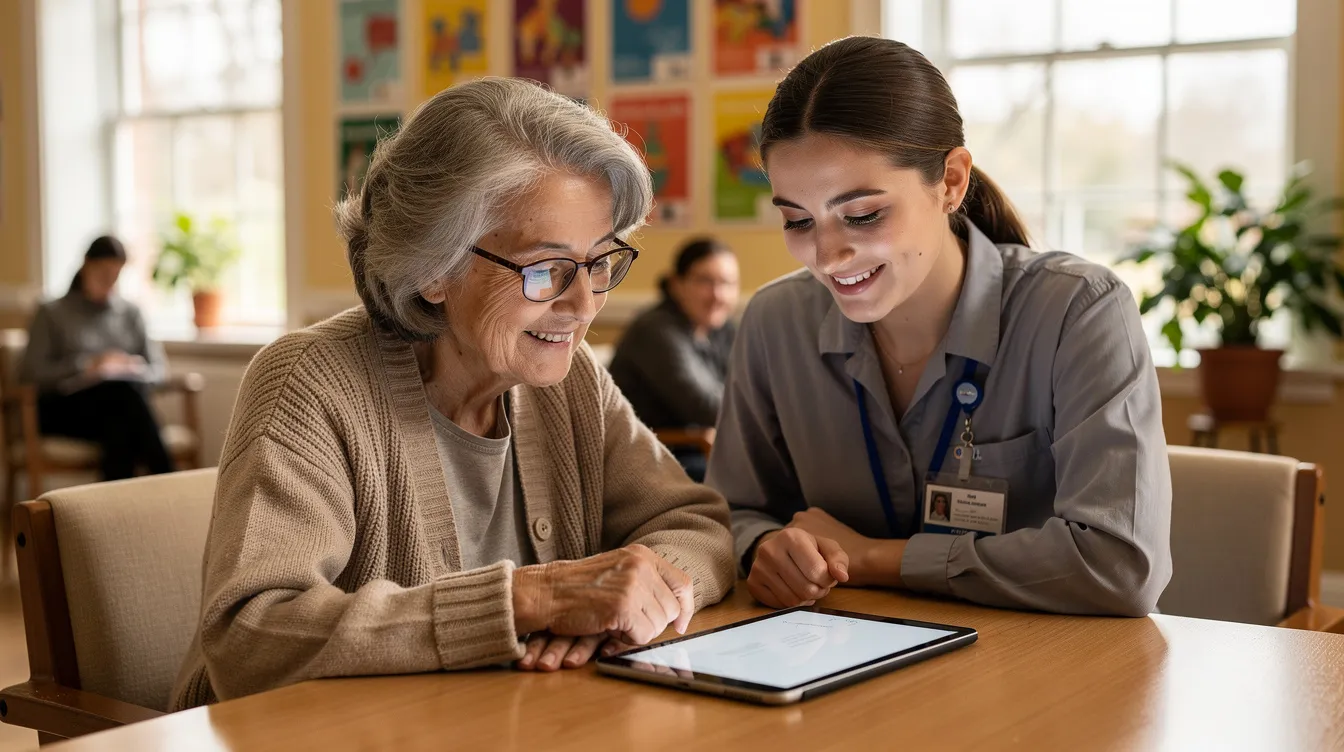
Where to Find Free Digital Help in Launceston
Here is the reassuring part: you do not need an appointment for many of these services. Just bring your device (or use public computers at the library) and a few questions you want answered.
Launceston Library Digital Help Drop-In Sessions
Launceston Library at 71 Civic Square, Launceston TAS 7250 runs regular Digital Help Drop-In Sessions that provide one-on-one tech assistance with patient volunteers. These sessions are completely free and open to everyone.
Launceston Library offers digital help on Tuesdays and Fridays, with Saturdays also available:
| Day | Typical Times |
|---|---|
| Tuesdays | 10:00 am – 12:00 pm |
| Fridays | 11:30 am – 2:00 pm |
| Saturdays | 11:30 am – 2:00 pm |
| Launceston residents can access free afternoon digital help sessions on Fridays and Saturdays. Digital help sessions at Launceston Library are free and drop-in, so there is no need to book ahead. Launceston Library offers digital help sessions on multiple days each week, making it easier to find a time that works for you. |
These sessions are part of the statewide Libraries Tasmania network. Nearby branches such as Riverside and Newstead may also run digital skills events, so it is worth checking the official Libraries Tasmania events page for updates.
Be Connected Program
Be Connected is an Australian Government initiative for digital literacy, delivered by the eSafety Commissioner in partnership with Good Things Australia. It targets Australians aged 50 and over and provides hundreds of free online courses covering smartphone use, online safety, and AI.
Many Launceston community centres and neighbourhood houses use Be Connected resources to offer free digital skills sessions. The program supports both self-paced learning and face-to-face support through a network of local partners. Good Things Australia reached 3 million people through digital skills programs, with over 360,000 completing online learning resources in the 2025–26 year alone. Nationally, $30 million in grants has been distributed to community organisations to run these programs, and local partners share these resources with their communities.
Service Tasmania Shopfronts
Service Tasmania shopfronts in Launceston help people navigate government online services such as MyGov, Centrelink, and transport services. Staff can walk you through forms and digital processes face to face, which is particularly helpful if you are dealing with something urgent.
Local Neighbourhood Houses and Online Access Centres
Local Neighbourhood Houses offer free or low-cost computer classes across Launceston and surrounding areas. Online Access Centres provide public computer access and tech support in community spaces, making digital tools available even if you do not own a device. The FindHelpTAS Directory also connects residents with community digital support across Tasmania.
Re.Connect Support Services
Re.Connect Support Services complements all of these options by providing flexible, person-centred help. This includes NDIS-funded support where relevant, allowing people to practise the same skills at home, at Launceston Library, or anywhere in the community. Re.Connect meets you where you are, tailoring each session around your needs and your pace, with a strong focus on building capacity and independence over time.

What You Can Get Help With: Phones, Online Services, and Everyday Life
Digital help in Launceston is practical and hands-on. Volunteers and support workers do not just talk about technology. They sit with you and go through tasks step by step on your own phone, tablet, or laptop. Digital skills programs cover topics like email setup and online safety, and sessions adapt to what you actually need.
Phone and Tablet Basics
These are some of the most popular areas people explore in sessions:
- Turning wi-fi and mobile data on and off, connecting to secure networks, adjusting settings like font size and screen brightness, and updating apps
- Making and receiving calls, sending SMS and MMS, blocking spam callers, and managing contacts
- Using video call apps such as WhatsApp, Facebook Messenger, or Zoom to talk with family on the mainland or overseas
- Getting comfortable with tablets and laptops, including touchscreen navigation and keyboard shortcuts
Government Services and Online Admin
Government portals are one of the biggest reasons people seek digital help. Common requests include:
- Creating and using a MyGov account to link Centrelink, Medicare, My Aged Care, and the ATO
- Navigating key government websites like Services Australia for benefits, and the Tasmanian Government portal for local services
- Completing online forms for housing, health appointments, job applications, school enrolment, and education
Online Safety and Money
Staying safe online is a priority. Sessions cover:
- Recognising scams and phishing emails, and checking if a message from a bank or government agency is genuine using guidance from resources like the Australian Competition and Consumer Commission’s Scamwatch
- Safe online banking and shopping basics: secure passwords, two-factor authentication, checking for “https” and trusted retailers
- Managing subscriptions and avoiding unexpected charges from apps or services
Libraries Tasmania offers workshops on privacy and social media, helping people understand the risk of oversharing and how to manage their digital footprint.
Big Picture Digital Skills
Launceston Library and Re.Connect Support Services can also help with broader digital tools and everyday tasks, including making sense of how assistive technology under the NDIS might support your independence:
- Setting up email, saving photos to the cloud, and backing up important documents
- Using maps and transport apps for Metro Tasmania bus timetables or planning trips in and around Launceston
- Accessing entertainment like ABC iView or SUBS On Demand – building digital confidence can make life more fun, not just more efficient
- Connecting with community groups, small businesses, and local event pages through social media
Sessions usually move at the learner’s pace. Tutors repeat steps as needed and encourage you to write down instructions or bring a support person if that helps. Free online courses are also available through Be Connected for practice between sessions, covering smartphone use, online safety, and AI at your own speed.
Closing Launceston’s Digital Divide: Inclusion, Confidence, and Community
The digital divide describes the gap between people who have easy access to devices, internet, and essential digital skills, and those who do not. In Launceston, this gap often affects older adults, people on low incomes, people with disability, families with limited tech exposure, and newly arrived migrants.
Digital inclusion means making sure everyone can get online affordably, safely, and confidently, regardless of age, income, or background. Research from the Australian Digital Inclusion Index consistently shows Tasmania lagging behind national averages, which makes local programs even more critical. Australia’s annual digital inclusion campaign occurs in October each year, raising awareness and driving new initiatives across the country.
According to Good Things Australia, 1 in 5 Australians are digitally excluded. That is a significant number, and it highlights why accessible, community-based support matters so much.
What Free Digital Help Provides
Free digital help at Launceston Library and through programs supported by Libraries Tasmania gives people three essentials under clear heading-style categories:
- Access – public computers, wi-fi, and a safe, central space to learn
- Ability – library staff, tutors, and volunteers who explain things in plain English and break tasks into small, repeatable steps
- Support – friendly faces who celebrate progress and encourage people to keep coming back until they feel fully confident
Community partnerships strengthen local digital literacy offerings. When libraries, neighbourhood centres, government agencies, and organisations like Re.Connect work together, the range of support available grows.
Re.Connect’s Role
Re.Connect Support Services plays a distinct part in this ecosystem:
- Providing tailored, one-to-one support for people who may find groups overwhelming, including NDIS participants and people with mental health challenges and recovery needs
- Meeting people where they are – in their home, at the library, or in a café – so they can practise digital skills in familiar environments, often alongside NDIS capacity building supports that reinforce these lessons
- Focusing on independence, so the goal is always that the person can eventually do key digital tasks without assistance
Digital mentoring can benefit seniors and those with limited skills, especially when combined with domestic assistance and in-home support that keeps day-to-day life running smoothly. Re.Connect’s expertise lies in this kind of patient, person-centred approach that treats every question as a good question.
Why It Matters Beyond the Screen
Building digital skills and confidence improves more than just tech ability:
- It reduces social isolation by helping people connect with families and community groups online
- It increases access to education, jobs, and health care, especially with the growth of telehealth and remote work opportunities
- It makes it easier to participate in local life, from booking tickets for events at UTAS Stadium to joining hobby groups on Facebook
The numbers back this up: 93% of program participants increased their confidence with technology after attending digital skills sessions. And nationally, 3 million people have been reached through digital skills programs, proving these initiatives deliver real results.
Every question is welcome. It is never too late to start. Many Launceston Library learners begin in their 60s, 70s, or 80s and quickly grow their digital confidence with the right support.

How to Get Started with Free Digital Help in Launceston
The hardest step is often walking through the door the first time. Staff and volunteers in Launceston are used to working with complete beginners, so there is nothing to feel nervous about.
Visit Launceston Library
Here is a simple plan to get started:
- Check session times on the official Libraries Tasmania events page, or ring Launceston Library directly. Sessions run on Tuesdays, Fridays, and Saturdays at regular times.
- Bring your device – your mobile phone, tablet, or laptop – plus any passwords or login details you know. If you do not own a device, library computers are available for free.
- Write down 2–3 things you want to learn, such as “how to see my Medicare card on my phone” or “how to read messages from my grandkids.” This helps the tutor focus the session on what matters most to you.
Never share your PINs or bank passwords with anyone helping you. Reputable providers will never ask for them.
Connect with Re.Connect Support Services
For personalised digital skills support in and around Launceston, contact Re.Connect Support Services by phone on 1300 001 109, by email at enquiries@reconnectss.com.au, or through the website enquiry form. Re.Connect can arrange scheduled one-to-one appointments, giving you certainty about session length and focus.
Re.Connect can also help coordinate practice around existing appointments such as GP visits, NDIS meetings, or Centrelink appointments, turning them into real-life digital learning opportunities. If you are an NDIS participant, this support may be fully funded under your plan, including options like Improved Life Choices funding or arrangements connected to Supported Independent Living services if they apply to you.
Bring Someone Along
If you support someone else – whether you are a family carer, support worker, or aged care staff member supporting a person living with dementia or another condition – come along or refer the person you care for, and get involved in helping them build digital skills. Shared sessions can make learning fun and reduce anxiety. When instructions are reinforced at home, digital confidence builds faster.
With free digital help in Launceston, a little curiosity, and regular practice, anyone can build strong digital skills and enjoy the benefits of a more connected, confident life. The resources, programs, and people are here and ready, and you can stay involved by following local updates and news about sessions and programs. All you need to do is take that first step.
Frequently Asked Questions
Does free digital help in Launceston cost anything at all?
Digital help sessions at Launceston Library through Libraries Tasmania are completely free to attend. There are no membership fees or hidden costs for drop-in sessions. Some community courses and one-to-one support with Re.Connect may be funded through programs like NDIS or aged care packages, so individuals often do not pay out of pocket. If you are considering home-based or extended support, ask up front about any potential costs. The basics at the library will always remain free.
Do I need to book, or can I just walk into Launceston Library?
Many digital help sessions at Launceston Library are run as drop-ins where bookings are not required. Spaces are first-come, first-served. For peace of mind, you can ring the library or check the online events calendar via Libraries Tasmania to confirm the date, times, and any booking requirements for special workshops. Re.Connect can also arrange scheduled one-to-one appointments separately if you prefer a guaranteed time slot.
Am I too old or too inexperienced to start learning digital skills?
There is no age limit for digital help in Launceston. Many learners are in their 60s, 70s, or 80s with little or no previous experience. Tutors and support workers are used to working with complete beginners and will not make anyone feel silly for not knowing how to use a smartphone or computer. Start with small, achievable goals – sending one photo to a family member, or logging into MyGov once – and let your digital confidence grow from there.
What if I don’t have my own phone, tablet, or computer?
Launceston Library provides public computers and internet access that you can use during digital help sessions, subject to library membership and standard usage guidelines. Some community programs and government initiatives occasionally help people access low-cost devices – ask library staff about current local options. Re.Connect can still teach core concepts using library devices and help you plan what kind of phone or tablet would suit your needs and budget when you are ready to buy.
Is it safe to get help with things like banking or MyGov?
Reputable providers such as Launceston Library, Libraries Tasmania, and Re.Connect prioritise privacy and online safety. They will never ask for PINs, full card numbers, or online banking passwords. Helpers focus on teaching safe practices: using strong passwords, setting up two-factor authentication, and recognising suspicious messages or websites. If you are worried about security, start with a safety-focused session where you can learn about scams and privacy before tackling online banking or government services on your own. This way, you ensure you stay safe online from the very beginning, and you can keep building your knowledge with articles from the Re.Connect Support Services blog when you are at home.